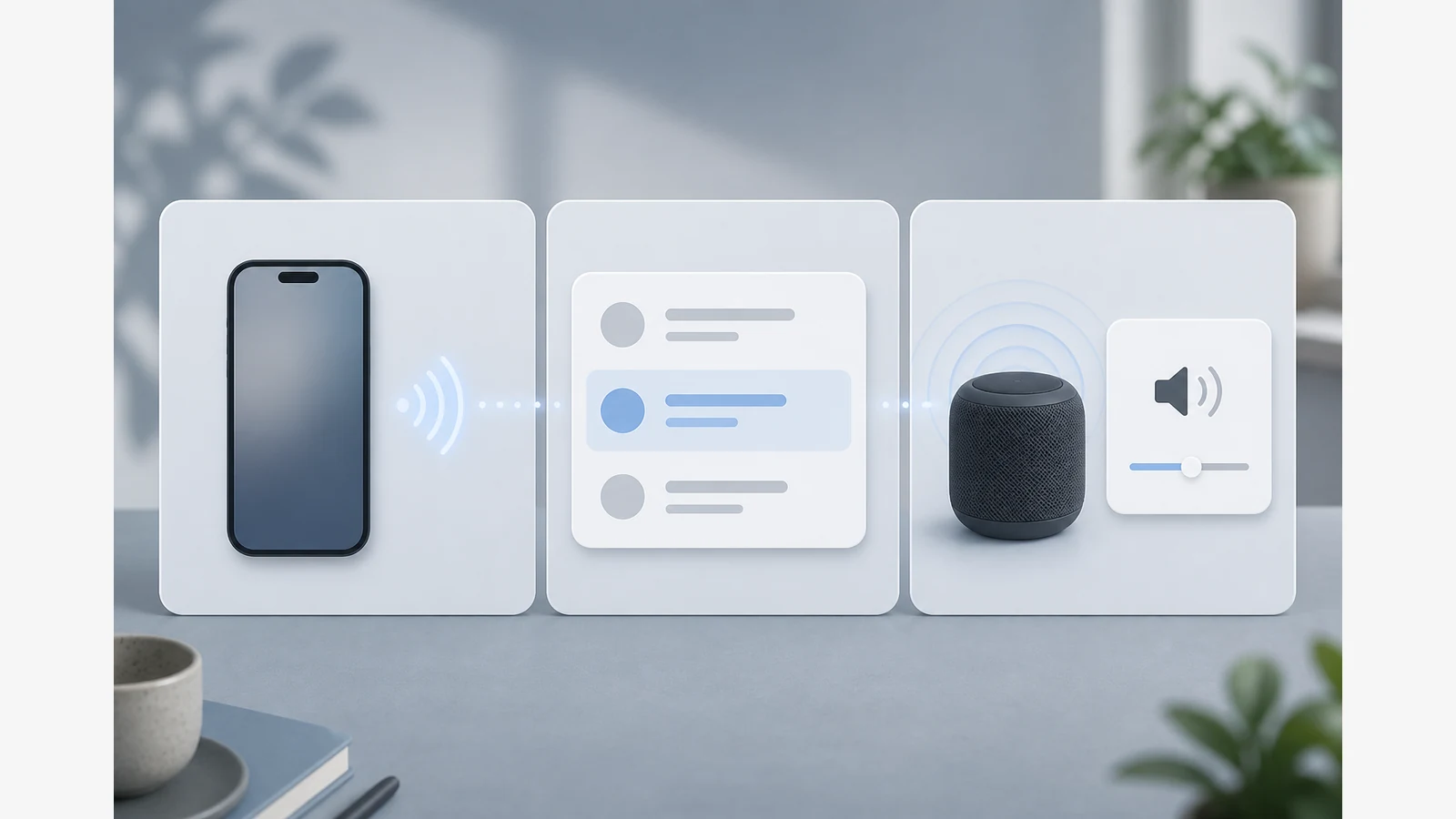
Bluetooth Speaker Connected but No Sound? A Safe Troubleshooting Ladder
If your Bluetooth speaker shows as connected but plays no sound, the connection status alone does not prove the speaker is the active audio output. Start with volume, media-output selection and whether another paired device still owns the link before you assume a hardware fault.
This guide covers Bluetooth-only “connected but silent” cases. It does not cover AUX-cable faults.
Two-minute checks before you dig deeper
- Raise both volumes. Check the speaker’s hardware volume and the phone, tablet or computer media volume. Some devices keep a separate Bluetooth volume level.
- Confirm the output device. On a computer, open sound or playback settings and select the speaker explicitly. A paired speaker can still sit unused while audio goes to built-in speakers or headphones.
- Play a known media file. Use a local track or a simple system sound so you are not debugging a muted streaming app.
- Forget the previous phone. If another handset nearby still auto-connects, disconnect or forget the speaker there, then retry from the device you intend to use.
- Move closer and reduce interference. Keep the source and speaker in the same room, away from crowded USB 3 hubs and dense Wi-Fi gear, then retest.
Decision table: Windows, Android and general re-pairing
| Situation | What to try next | Stop if… |
|---|---|---|
| Windows shows the speaker connected | Open sound settings, set the speaker as the output device, unmute the Bluetooth endpoint, then test again. Microsoft’s guidance also covers re-pairing and driver checks when selection alone fails. | You cannot select the device or Windows reports a driver error you cannot resolve with official updates. |
| Android lists the speaker as connected | Confirm Bluetooth is on, the speaker is chosen for media audio where the OS exposes that control, and media volume is not muted. Pairing menus vary by Android version and device maker. | The phone never offers a media-audio route to the speaker after a clean re-pair. |
| Any platform after basic checks | Forget/remove the speaker on the source, power-cycle both devices, put the speaker back into pairing mode using its manual, then pair fresh. | You would need model-specific button sequences that are not documented for your unit. |
Manufacturer support notes for computers often stress the same point: pairing is not the same as selecting the playback device.
Isolate the source device versus the speaker
- Pair the silent speaker with a second phone or laptop you trust.
- If the second device plays audio normally, focus on the first device’s output selection, app mute state, OS sound routing or Bluetooth stack.
- If every source stays silent after re-pairing, treat the speaker as the likely fault path and gather purchase proof before contacting the seller—without opening the enclosure.
Related ownership reading: Bluetooth speaker warranty in the UK and how to recycle a Bluetooth speaker in the UK if the unit is beyond repair.
Where to stop
Use confirmed details button combinations, firmware menus or profile names that your manual does not list. Re-pairing often helps, but it is not a guaranteed fix. If the speaker still reports connected with no audio after the ladder above, use the product manual or seller support rather than forcing a reset you cannot verify.
If you are comparing compact portable speakers for everyday UK use after the fault is resolved, you can review the category page for this store’s cyberpunk RGB speaker—that link is a next step, not proof that any OS step above will succeed on a specific model.
FAQ
Why does Bluetooth say connected if there is no sound?
Connection only means a wireless link exists. Sound still needs the speaker to be the selected media output, unmuted, and receiving playback from the app you are testing.
Should I factory-reset the speaker?
Only follow a reset procedure printed for your exact model. This article deliberately stops before unverified model-specific resets.
Does this guide cover AUX with no sound?
No. Keep AUX cable and jack faults on a separate path so Bluetooth routing issues stay clear.